This article explains how to set up a WAN interface for Static
The following sections are covered:
How to configure a Static WAN Interface
How to configure a DHCP WAN Interface
How to configure a PPPoE WAN Interface
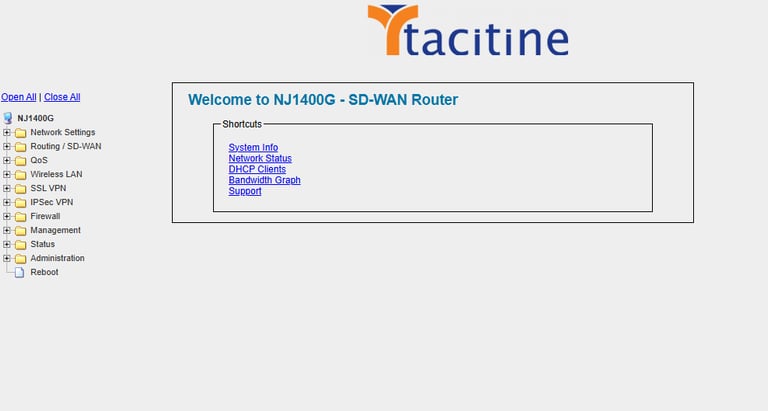
Step 1: Login to the Tacitine. (If you are configuring the Tacitine for the first time, the default Lan IP is http://192.168.100.1)and Default username: admin & Password: admin99
Step 2: Click the Network Setting tab.
Step 3: Click WAN1 for the WAN interface (WAN1 by default.), the Edit Interface window is displayed.
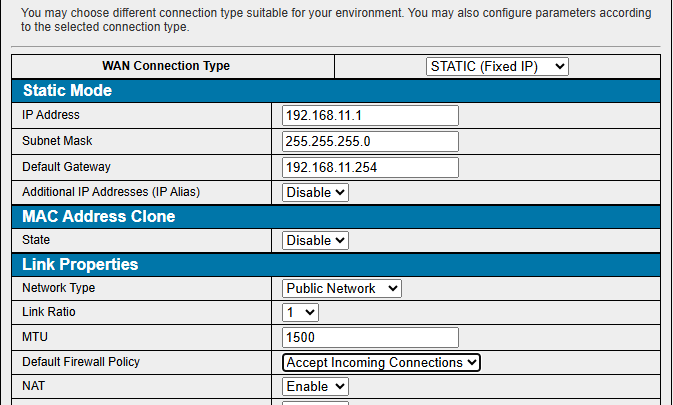
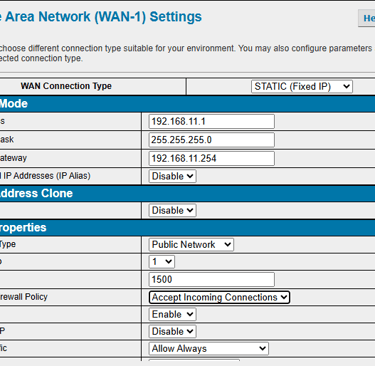
How to configure the Wan
Step 4: Enter the IP details provide by isp.
Step 5: Mention the default firewall policy > accept incoming connection
Troubleshoot
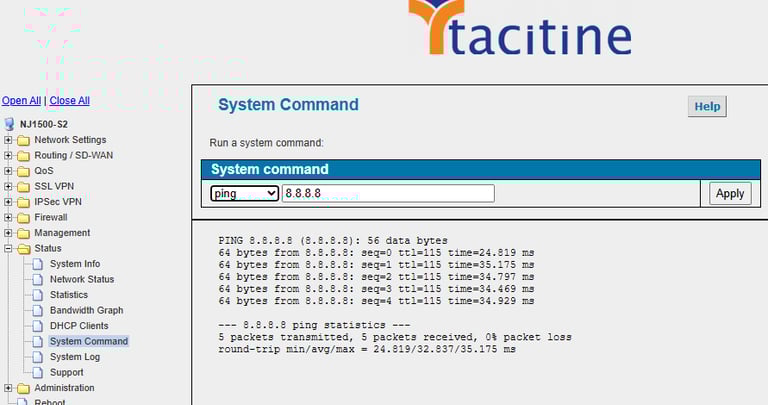
Step 1: Click the Status > System Command >Ping
Step 2: Ping your ISP’s Default Gateway or any IP that is pingable on the Internet (e.g. 4.2.2.2).
Step 3: Also try to ping a website (e.g.: google.com) to ensure that the DNS resolution is working.