
Step 1: Log in to the Tacitine. (If you are configuring the Tacitine for the first time, the default Lan IP is http://192.168.100.1) and default username: admin & Password: admin99
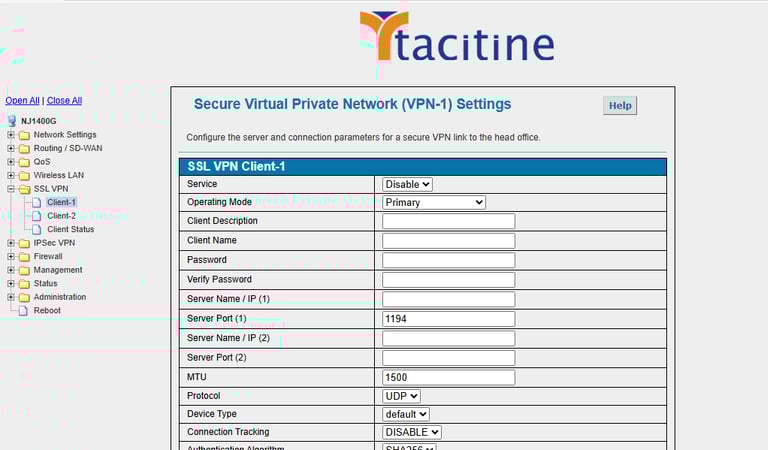
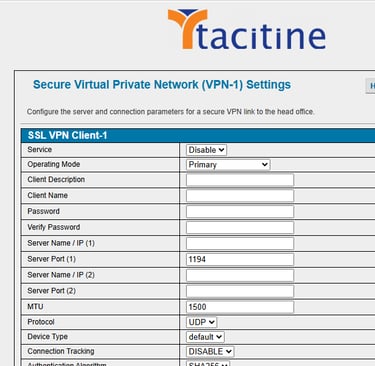
Step 2: Click the SSL-VPN > Client 1 > Enable the Service to select the operation mode and mention the Client Name and description
How to configure the SSL-VPN Client
Step 3: Mention the Private Key > password Protect and enter the password where get it in the firewall SSL-server
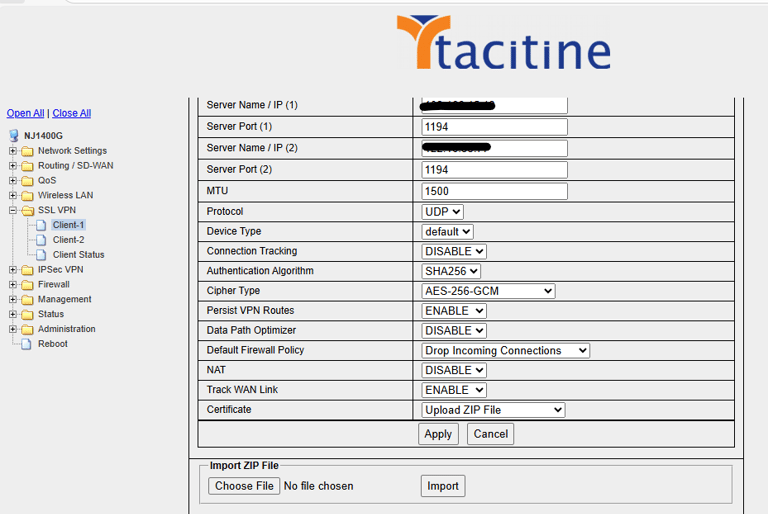
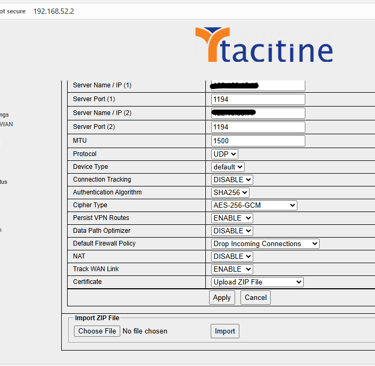
Step 4: Select the Algorithm and cipher type as mentioned in the server
Step 5: mention the protocol, interface, MTU Value as same in SSL server
Step 6: Mention the wan IP of SSL Server Firewall in the Primary server Ip and the have any secondary line we have in the head office we can configure that in the Alternative Server
Step 7: Certificate > Select upload zip file was a download from SSL Server creation
Step 8: Apply the Configuration.