Step 1: Log in to the Tacitine. (If you are configuring the Tacitine for the first time, the default Lan IP is http://192.168.100.1) and default username: admin & Password: admin99
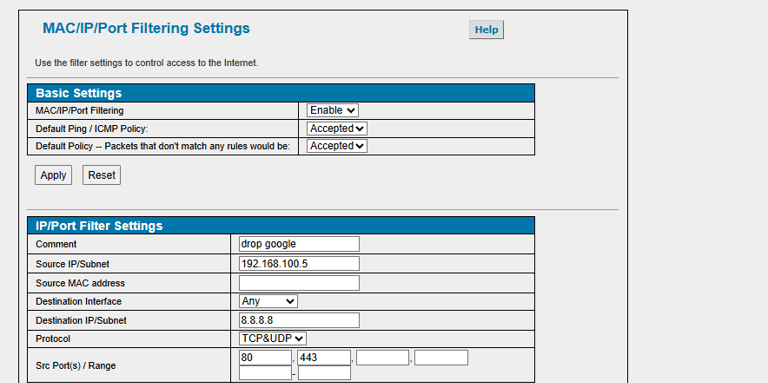
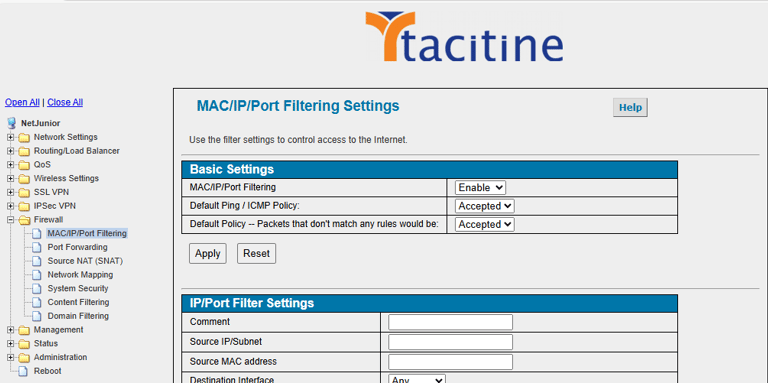
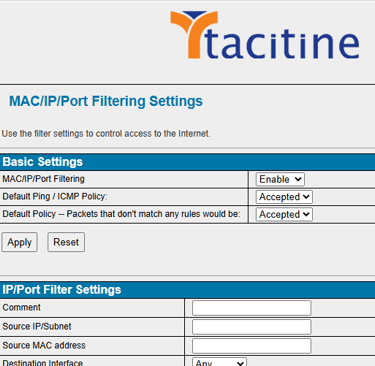
Step 2: Click the Firewall > MAC/IP-Filter Rule
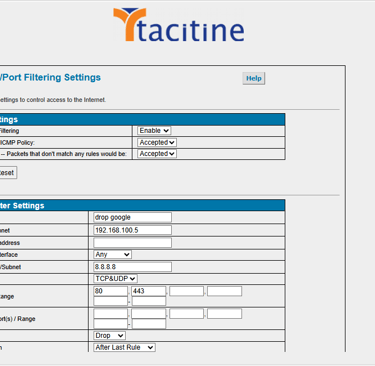
Step 3: Protocol Action: Accept/Drop/Reject depends on user request and Protocol: make it TCP/UDP
How to Configure the the MAC-IP Filter
Step 4: For Source Address make it Specify IP/Specify Ip Subnet
Step 5: Mention the destination address and port number
Step 6: Apply the Configuration Rule add Success