Step 1: Login to the Tacitine. (If you are configuring the Tacitine for the first time, the default Lan IP is https://192.168.100.1:4433)and Default username: admin & Password: admin99
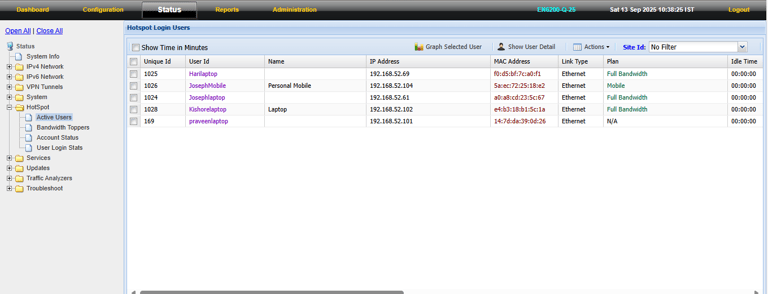
Step 2: Click the Status > Hotspot tab.
Step 3: Click the Active User Tab.
How to Monitor the Hotspot User Status
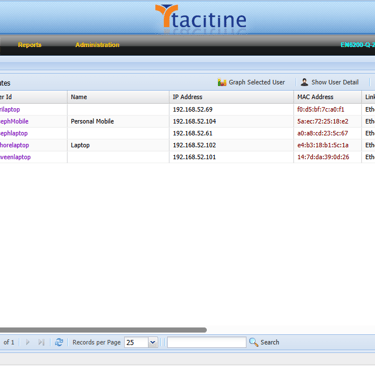
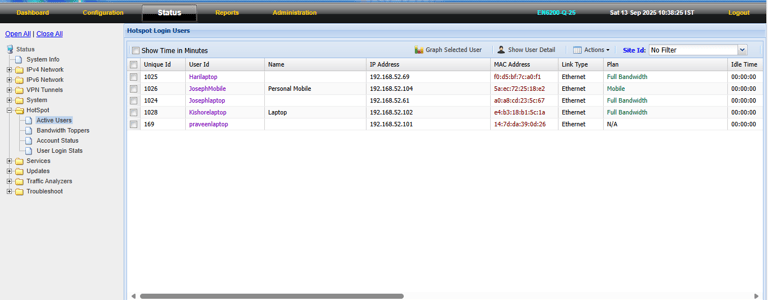
Step 4: In the Active User Tab, we can See the Current Active User List.
Step 5: Select the anyone user and Click Graph Selected User
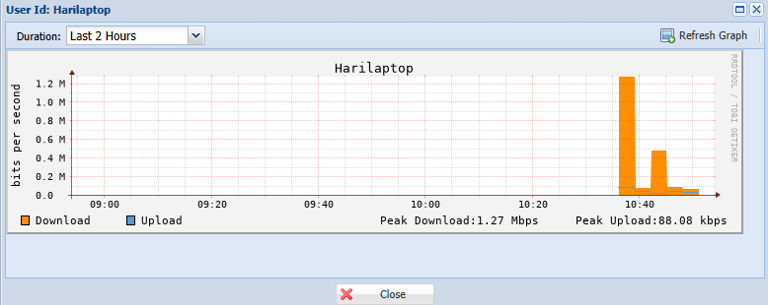
Step 6: We Can Also See the Bandwidth Graph for Selected User. Eg: HariLaptop
Step 7: In the Bandwidth Toppers Tab, we can See the Current Bandwidth Toppers List and their Download/Upload Bandwidth status.


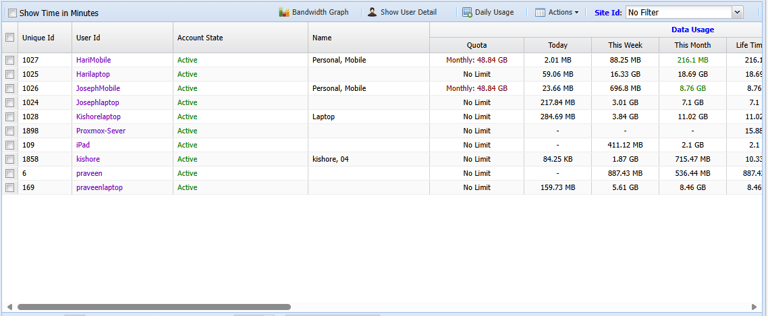
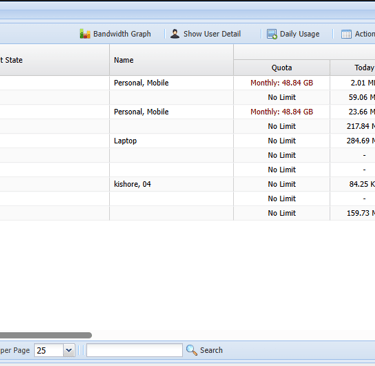
Step 8: In the Account Status tab, we can see the Data Usage Status and their Current State Eg: Expired/Data Usage Exceeded/Using Extended Plan