Step 1: Login to the Tacitine. (If you are configuring the Tacitine for the first time, the default Lan IP is https://192.168.100.1:4433)and Default username: admin & Password: admin99
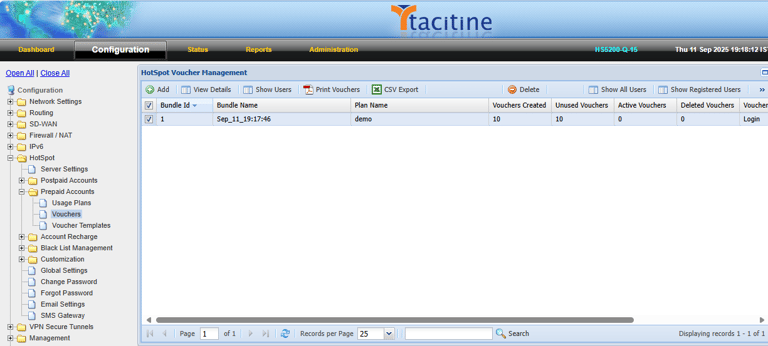
Step 2: Click the Configuration > Hotspot tab.
Step 3: Click the Prepaid Accounts > Vouchers.
How to Configure the Voucher User Status
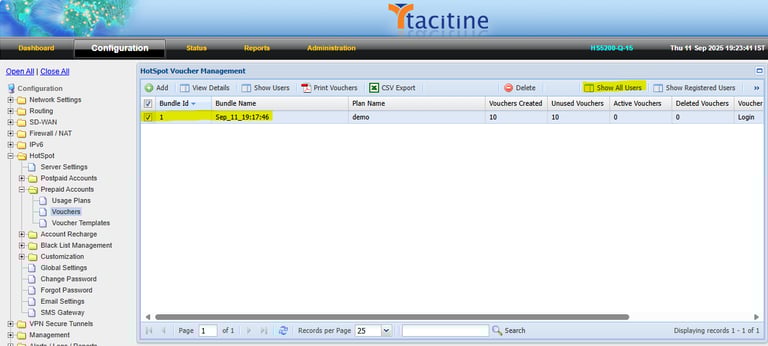
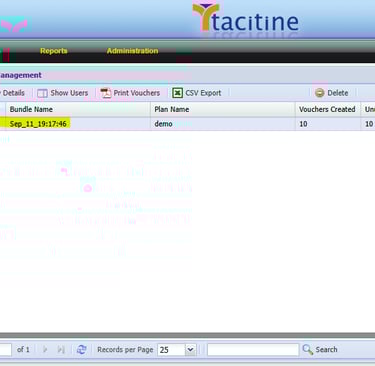
Step 4: Select the Vouchers and Click Show All Users.
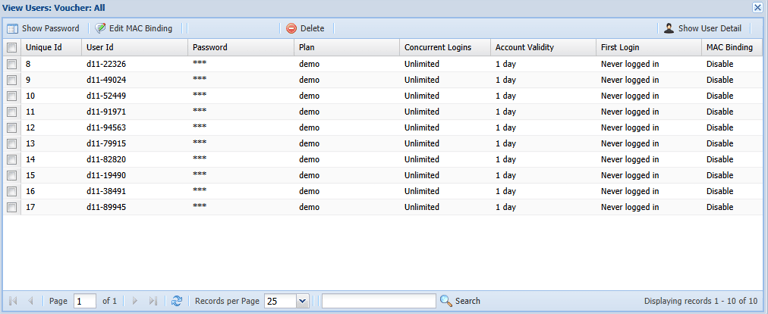
Step 5: It will show the voucher user details.