
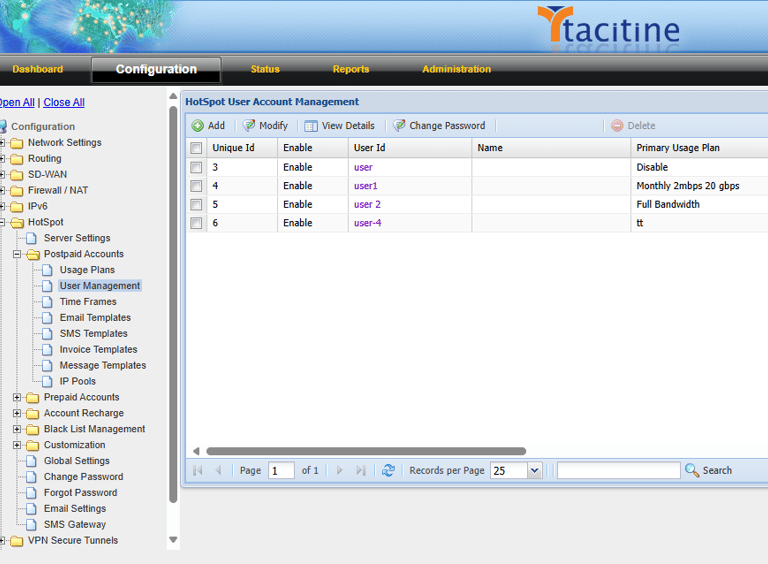
Step 1: Login to the Tacitine. (If you are configuring the Tacitine for the first time, the default Lan IP is https://192.168.100.1:4433)and Default username: admin & Password: admin99
Step 2: Click the Configuration > Hotspot tab.
How to Configure the User Renewal in Tacitine
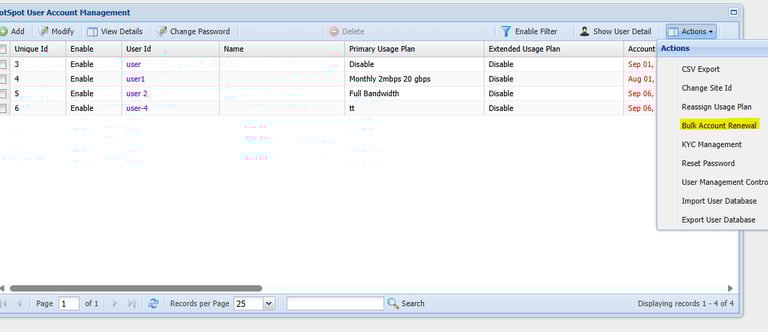
Step 3: Click the Postpaid Accounts > Usage Management.
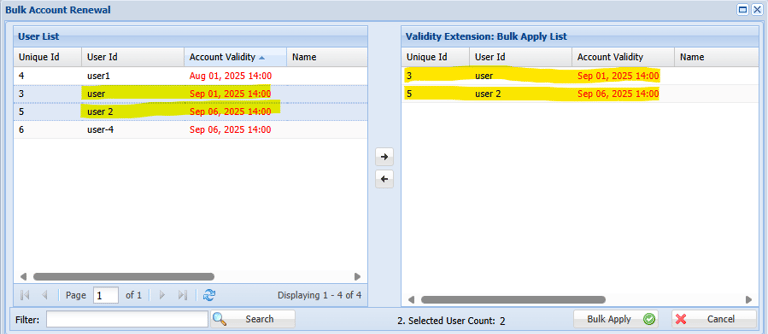
Step 4: Click Actions -> Bulk Account Renewal.
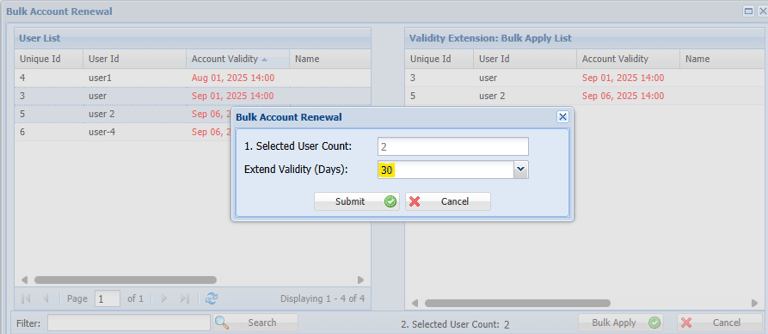
Step 5: Select the User You Want Renew and move to Right side Bulk Apply list Window
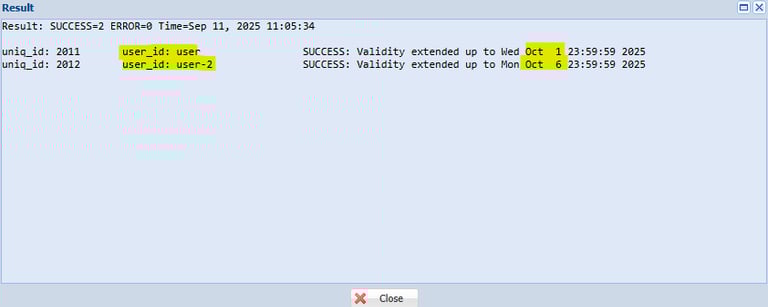
Step 7: Now the User Renewal is successfully completed check it the Result Window
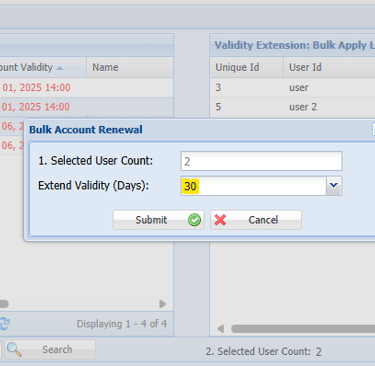
Step 6: Now You can Specify the Days you want to Renew. Eg: 30 Days