
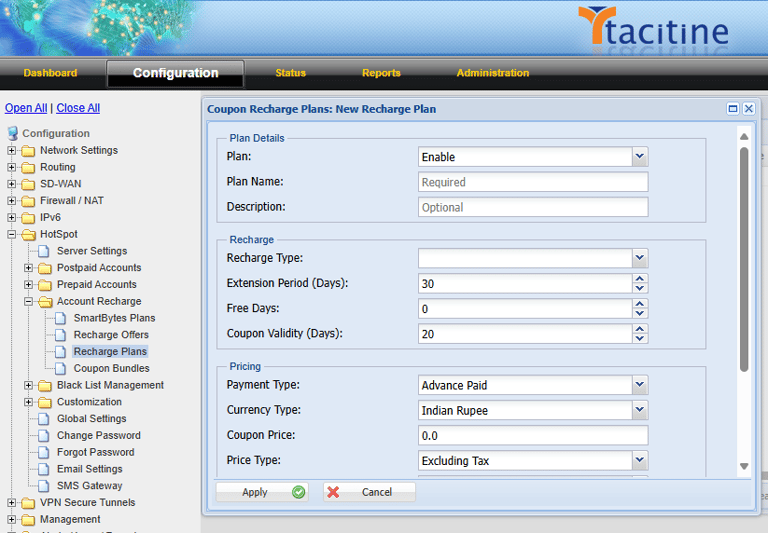
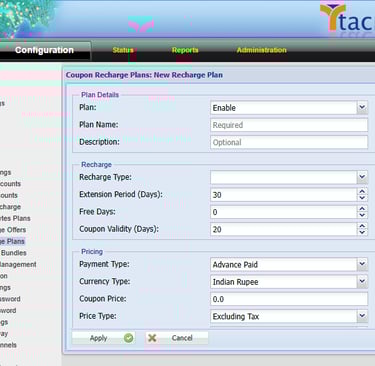
Step 1: Login to the Tacitine. (If you are configuring the Tacitine for the first time, the default Lan IP is https://192.168.100.1:4433)and Default username: admin & Password: admin99
Step 2: Click the Configuration > Hotspot tab.
Step 3: Click the Account Recharge > Recharge Plans > Add.
Note: For the First Time We Need to Create the Plans.
How to Configure the User Bulk Renewal
Step 4: Provide the Plan Name for Your Convenient.
Step 5: Select the Recharge Type as Account Validity Extension.
Step 6: Provide the Validity Extension Periods. Eg: 30 Days
Step 7: Coupon Validity Defines the validity of Coupons. Eg:20days (After the 20 days created and unused coupons are disabled automatically)
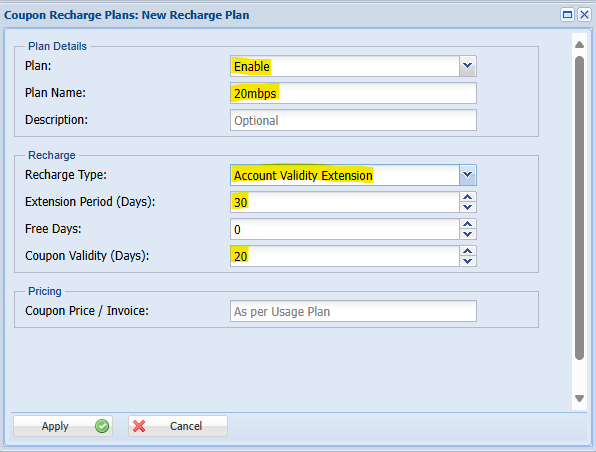
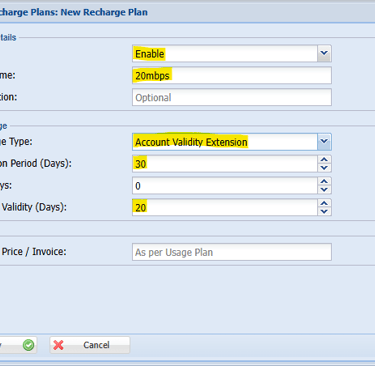
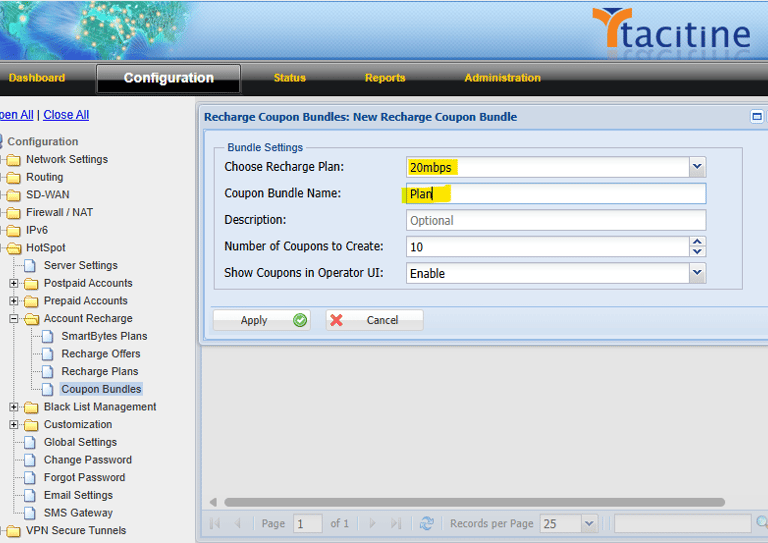
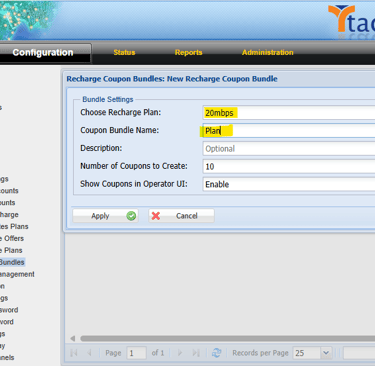
Step 8: Select the Plan we have Early Created e.g.: Extend 30 Days
Step 9: Provide the Plan Name for Your Convenient.
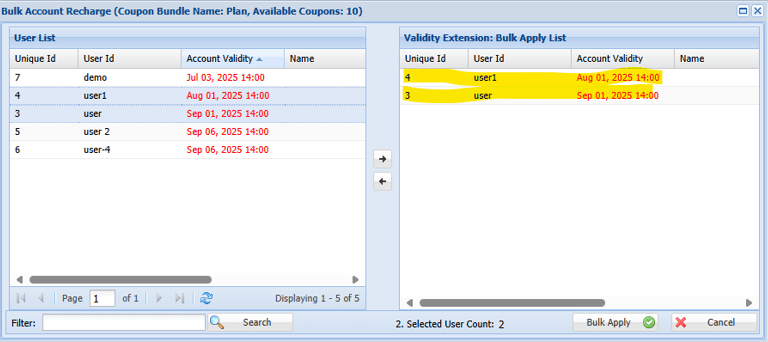
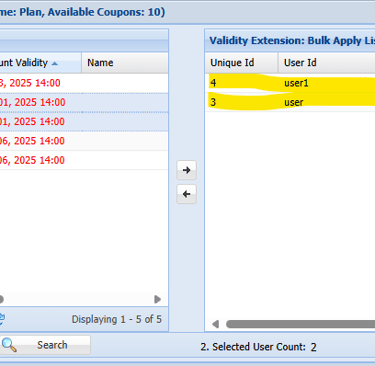
Step 10: Select the Created Plan ---> Select Right Corner Bulk Apply Coupons
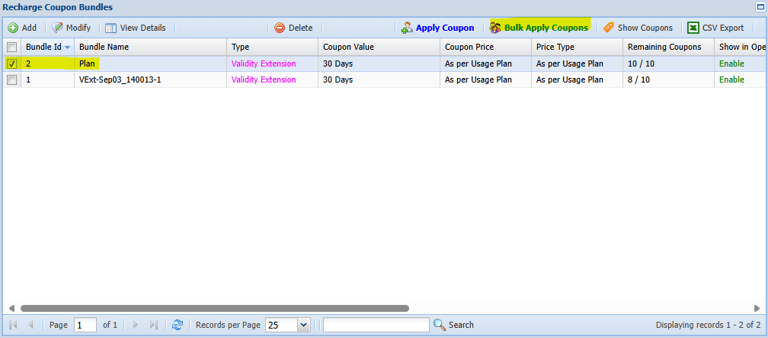
Step 11: Select the User You Want Renew and move to Right side Bulk Apply list Window
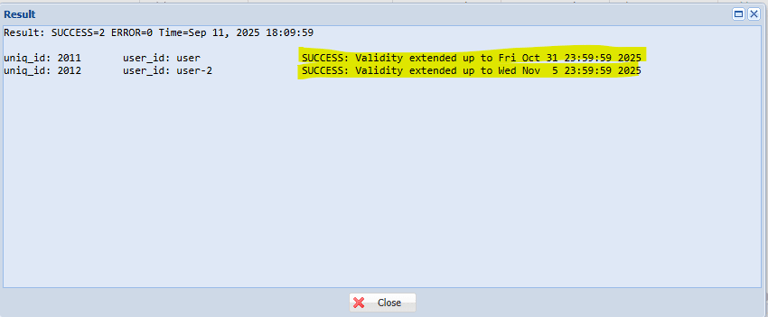
Step 12: Now the Renewal was successfully Completed check it the Result window